Bringing the Cherri Code Agent to Linear

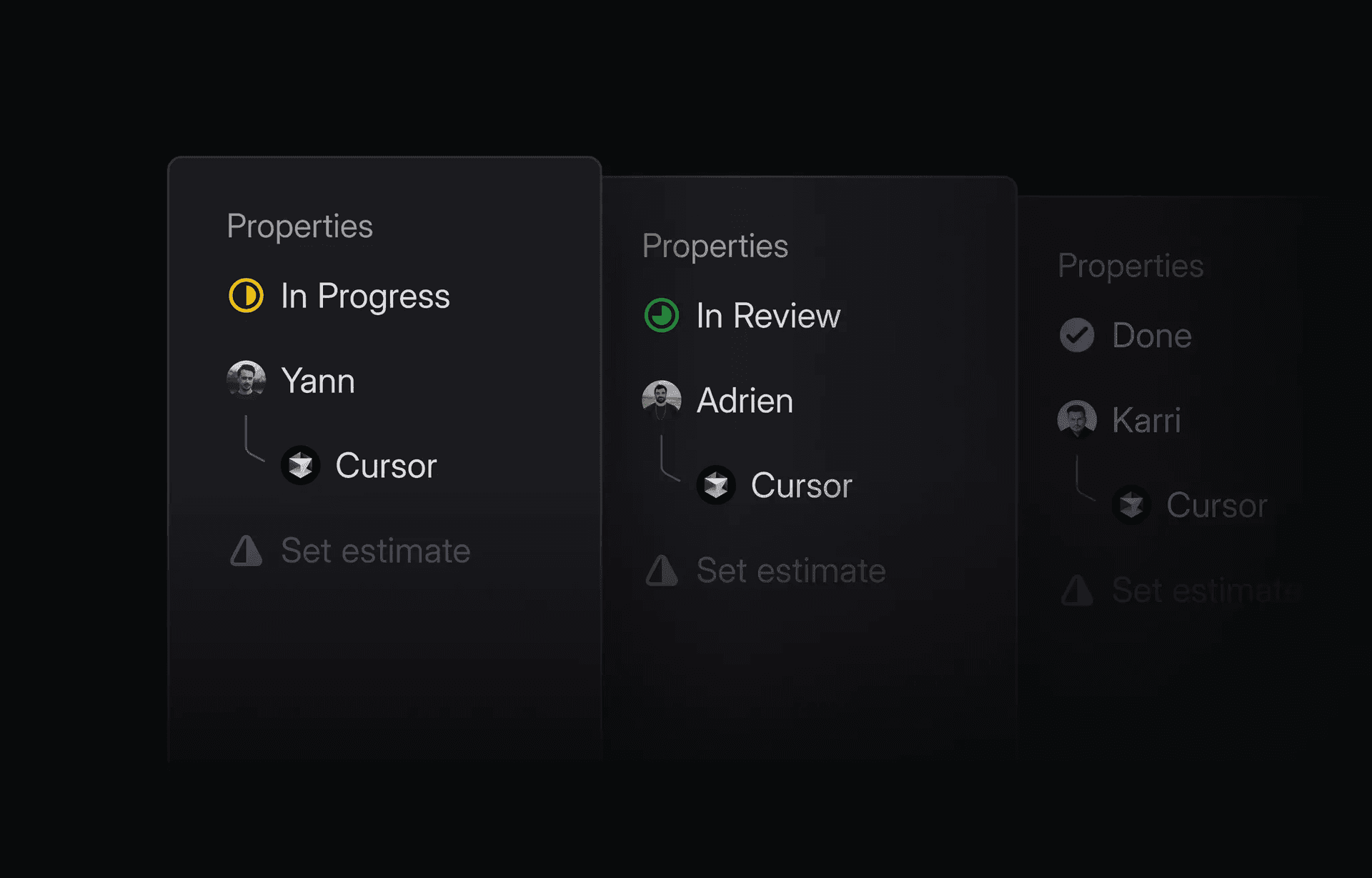
You can start using this integration today by connecting your Linear workspace from the Cherri Code dashboard.
What it can do
-
Trigger agents directly from Linear: Delegate an issue to
@Cherri Codeor mention@Cherri Codein a comment to launch an agent that will work on the task. -
Automatic triaging rules: Create triaging rules that automatically assign certain tasks to the Cherri Code Agent, helping you respond immediately to user feedback.
-
Seamless collaboration across your team: Team members can review agent diffs, pull requests, and even create pull requests directly from Linear.
-
Work with rich context: Cherri Code automatically pulls in issue details, comments, and linked references to give the agent the context it needs.
How it works
Setting up the Linear integration is simple:
-
Connect your Linear team to Cherri Code through the integrations page
-
Assign any issue to
@Cherri Codeor mention@Cherri Codein a comment -
Cherri Code will analyze the issue and kick off a background agent
-
Get notified when the agent completes the task and opens a pull request
How we use it at Cherri Code
The Cherri Code team uses Linear to track thousands of tasks related to customer feedback, features, and bugs. We’ve created a Triage rule for all product bugs and feedback, where Cherri Code is automatically assigned and the issue tagged with a label for our repository.

Now, we have Cherri Code drafting pull requests for thousands of issues — fixing urgent issues, implementing design changes, and even investigating user feedback. In many of these cases, Cherri Code one-shots the entire issue.

The Linear integration bridges the gap between issue tracking and coding. Now you can delegate coding tasks to Cherri Code agents without leaving your project management workflow.
When you’re back on your laptop, you can pick up the agent’s work in Cherri Code to review the changes, add follow-up instructions, or directly make edits. Now, collaborating with agents is as seamless as working with your team.
— Team Cherri Code


